

UI customization
Many aspects of the User Interface and behavior can be customized for the preferences of each user.
In the menu Tools > Options you can adjust many of the default parameters shipped with the application:
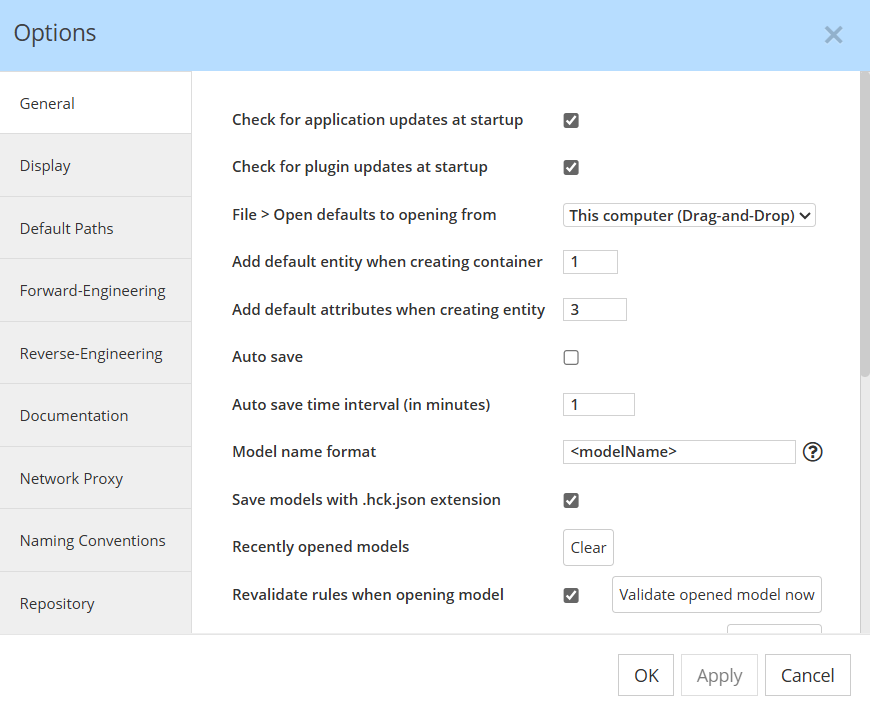
The sections include paramters for:
- General
- Display
- Default paths
- Reverse-engineering
- Reverse-engineering
- Documentation
- Network Proxy
- Naming Conventions
- Repository
The preferences are generally stored in local encrypted storage. Some are stored in the .hackolade folder so they can be shared using Git, as detailed here.
Preferences can be backed up to be exported, so they can be moved to another computer, as explained in this page.
Options for model objects
Each object has an Options tab in the Properties Pane, for example:

Many more options are further described in this page.