

Standalone personal trial
The Model Hub Playground is ideal for a quick introduction to the platform’s capabilities, but it falls short when it comes to conducting a meaningful evaluation with your own data models.
The standalone personal trial changes that. With a lightweight executable running locally, you can import your own Hackolade Studio models into the Model Hub repository. It allows you to explore, validate, and experience the full power of Model Hub in the context of your real-world use cases.
Warning: as you would expect, this environment is designed strictly for evaluation and is not intended for production use. Because it runs locally on your machine, collaboration features are not available, and models cannot be accessed or opened in a browser.
Download and install the Model Hub
The latest version of the Model Hub standalone personal trial is downloaded here.
- Windows 64-bit (signed installer)
- Mac Intel 64-bit (notarized installer)
- Mac Apple arm64 (notarized installer)
- Linux 64-bit zip (SHA-256 checksum can be downloaded here)
Run the downloaded installer which includes all the necessary components to run without requiring additional dependencies:
- an embedded PGlite database
- a NodeJS application server
- the Hackolade Model Hub front-end and backend applications
- an MCP server to interact from a GenAI client with the library of models imported from your Git repositories
Once the application has started, you must enter a valid license key. If you don't have one, you can obtain one from support@hackolade.com
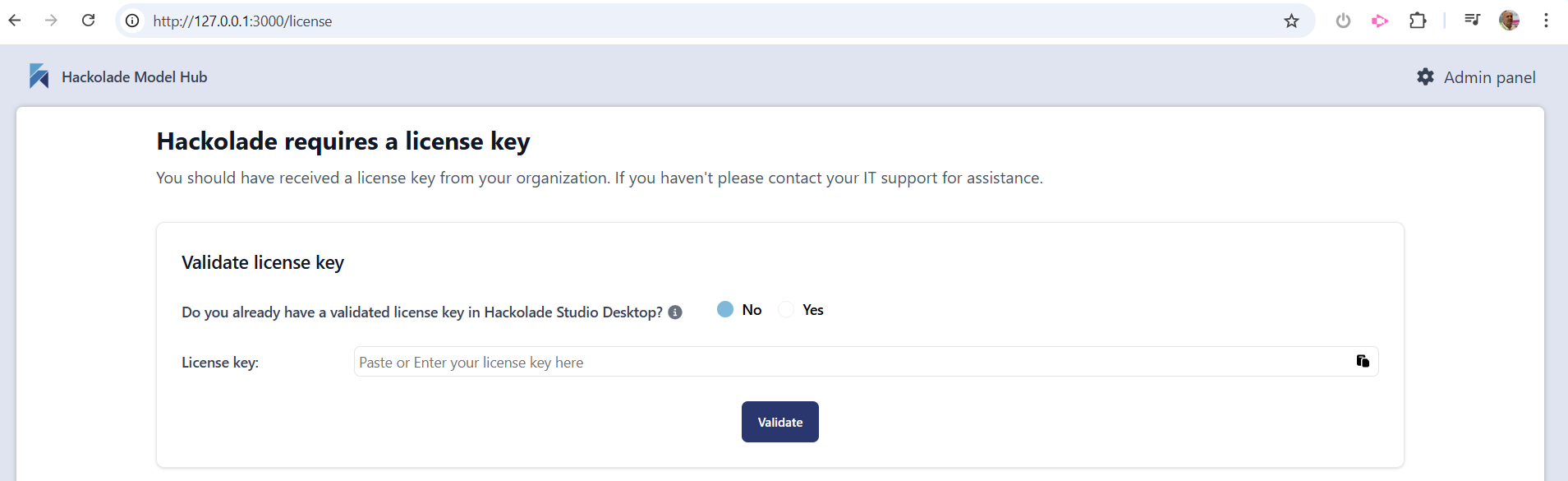
Once the license key has been validated, you're ready to use the application.
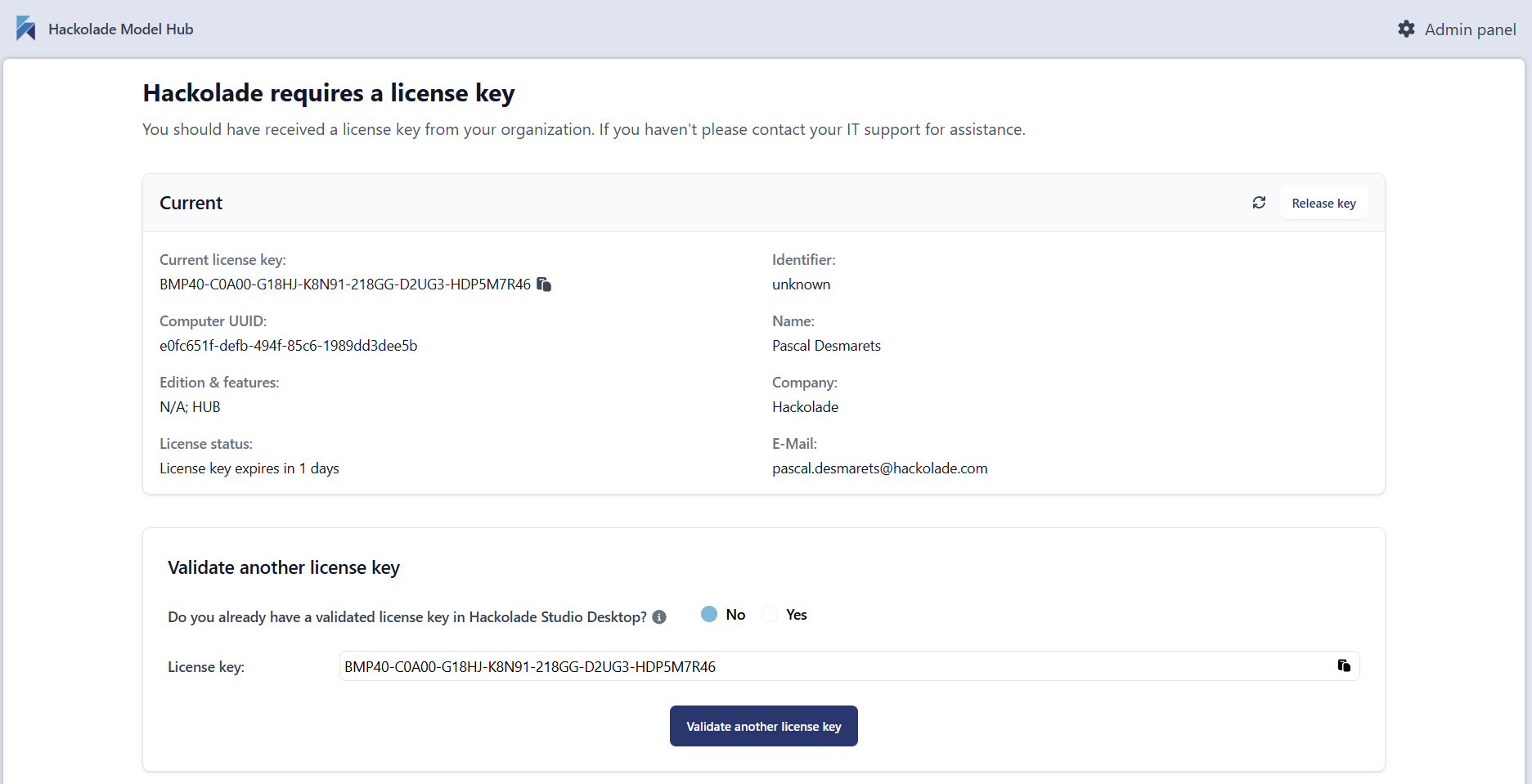
In the production deployment of the application, there is a setup to connect to one or more repositories via webhooks and APIs. But with the standalone personal trial here,
To populate the standalone personal trial instance database with model requires to use the explorer buttons, either "Choose a folder" and/or "Choose a file", then select using the operating system dialog. It is perfectly acceptable to select, as a source, one or more folders of locally-clone repository/repositories. Depending on the number and size of the models, this process can take a few minutes.
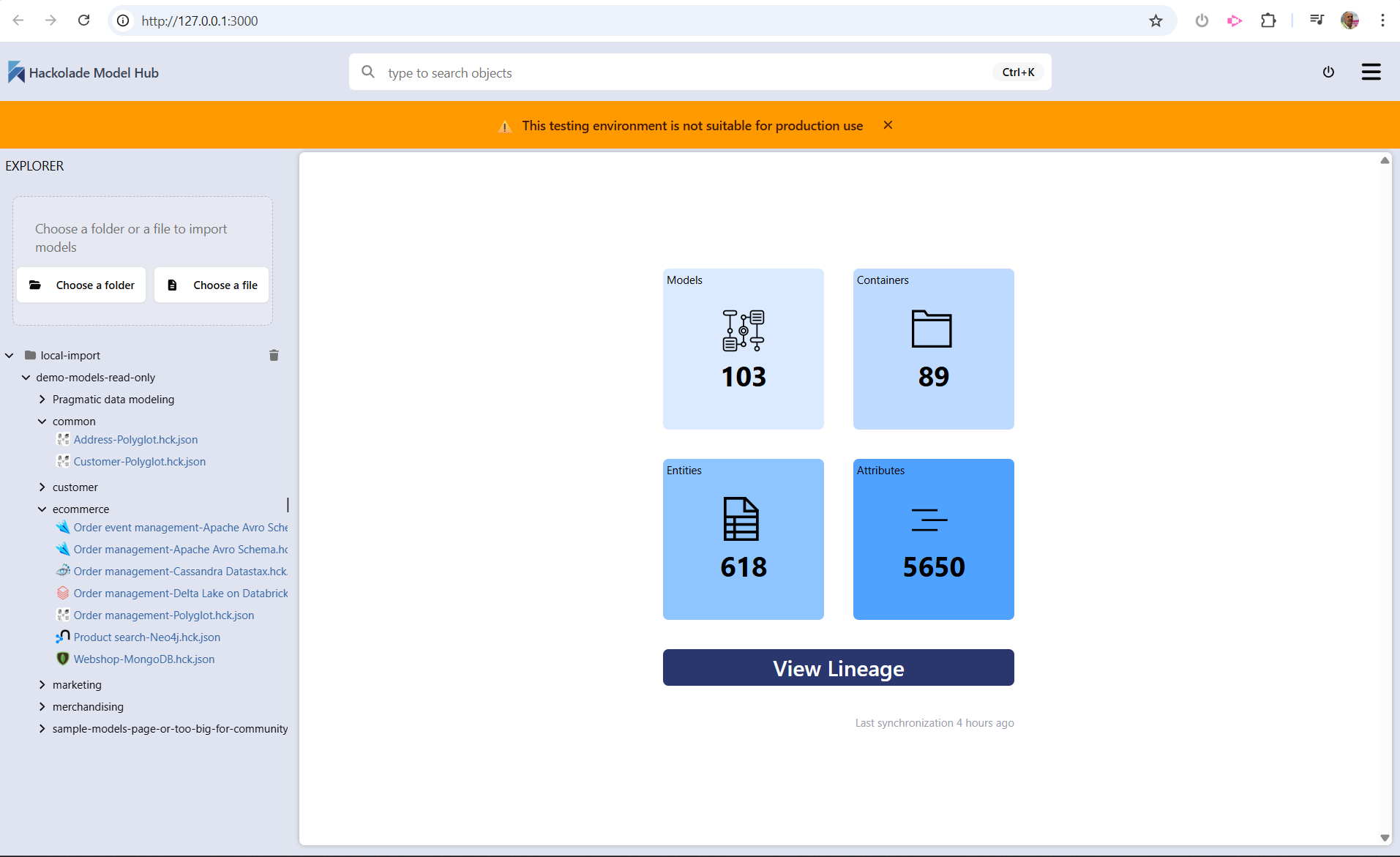
Once the models have been ingested in the database, you are ready to use the application. You may want to consult this page for further information.
MCP server AI Assistant integration
Besides the Model Hub functionality described in this page, this standalone trial version of the Model Hub lifts the veil on many exciting upcoming AI-related capabilities. One has to do with the ability to connect an AI assistant to your library of model files via an embedded MCP (Model Context Protocol) server.
Refer to this page for more information.