

Symbols
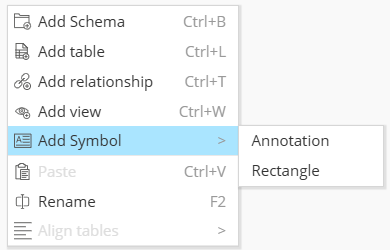
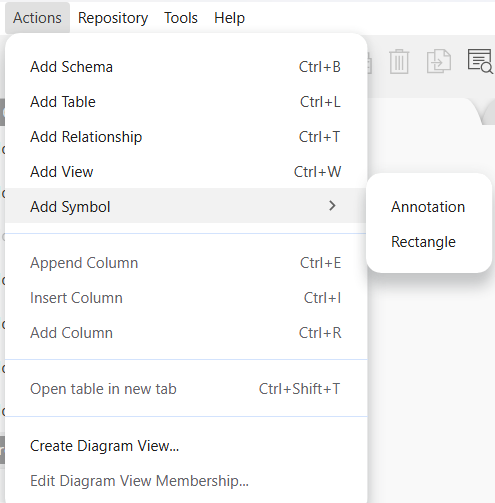
In Entity Relationship Diagrams, it may be useful to add indications to help understand the diagram. Hackolade Studio currently allows 2 types of symbols: annotation and rectangle.
Symbols can be added to a model diagram, either by doing a right-click in the diagram or Object Browser:
or through the menu Actions > Add Symbol
Annotation
In Hackolade Studio, an annotation is a box that allows you to enter a text, legend, instructions, and other information that might be useful to users and readers of the diagram. You may create multiple annotations in an ERD. Annotations can be selected to be included in ER Diagram Views. And it is possible to create annotations that are specific to an ERDV. By design, annotation boxes are always displayed above entity boxes and container boxes. Annotation boxes can be sized using the handle in the bottom right-hand corner, or auto-sized, by clicking the double-headed arrow in the top right-hand corner.
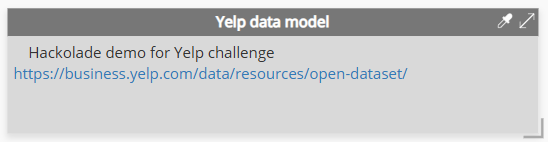
The annotation text can be entered in Markdown with HTML rendering.
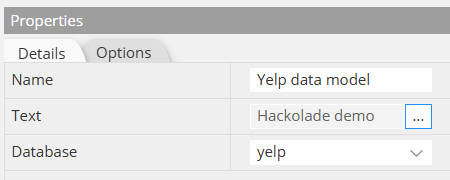
You may want to attach an annotation to a container/schema/database, but this is not mandatory. If attached to a container, the size of the container will be auto-adjusted to include the annotation box(es.)
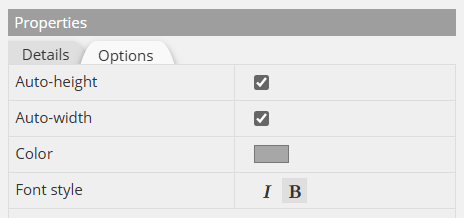
Like entity boxes, it is possible to set the color and font style:
Rectangle
Starting with v8.4.0, Hackolade Studio also includes the possibility to create a rectangle in ER diagrams. A rectangular shape is a symbol that can be used to delineate diagram parts without impacting the model itself, for example to group entities together. Note that grouping of a subset of objects of a larger diagram is also possible using ER Diagram Views. Rectangles provide a different way to visually group entities.
The model object container (schema/database/namespace/keyspace) has an impact on the schema or DDL being forward-engineered. A rectangle symbol on the other hand can be used to create grouping or associations of entities in a diagram to facilitate understanding of the diagram, but without impacting the physical model artifacts.
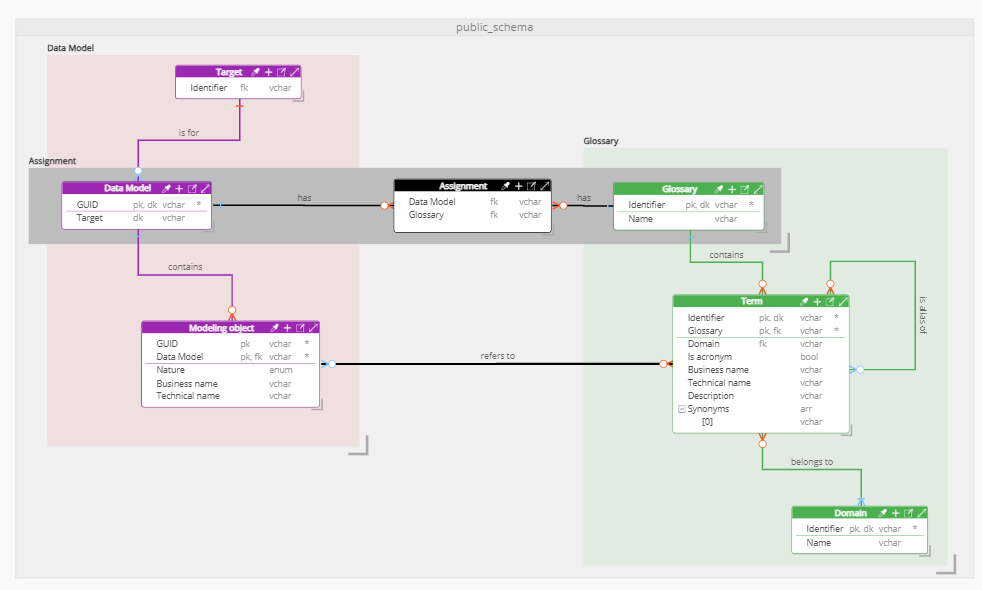
By default, rectangles are created to appear above container boxes and below entity boxes. That way you can create visual groups of entities within a container, or across multiple containers. If you need to, it is possible to slide a rectangle below a container. While the container is somewhat transparent, moving a rectangle behind a container means that the container title bar and the boundaries of the container are visible above the rectangle.
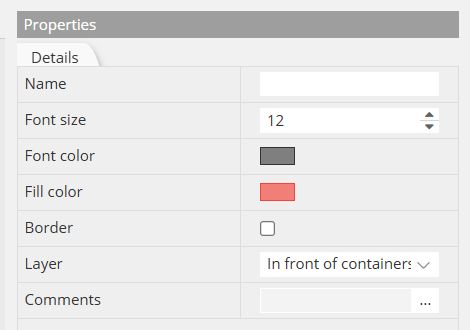
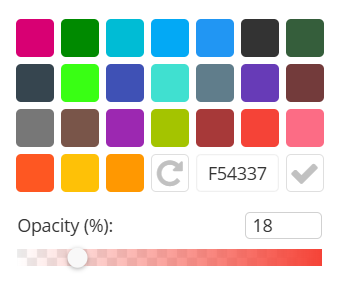
For a rectangle symbol, you may specify a text (which appears above the rectangle), a fill color with an opacity percentage, and the border color, if any.
Rectangle boxes can be sized using the handle in the bottom right-hand corner,
When you have multiple rectangles with overlap, you may want to adjust the opacity and layering.
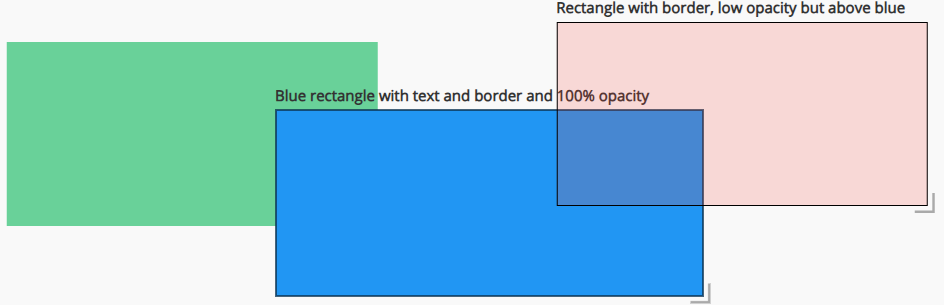
When rectangles overlap, you may want to be able to set which one is on top of the other. This is done either with the up/down arrow keys in the toolbar

or with the contextual menu
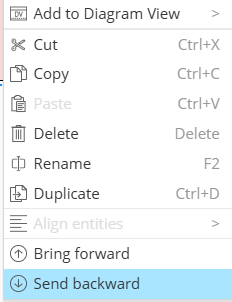
you may adjust the layering of the boxes if they overlap:
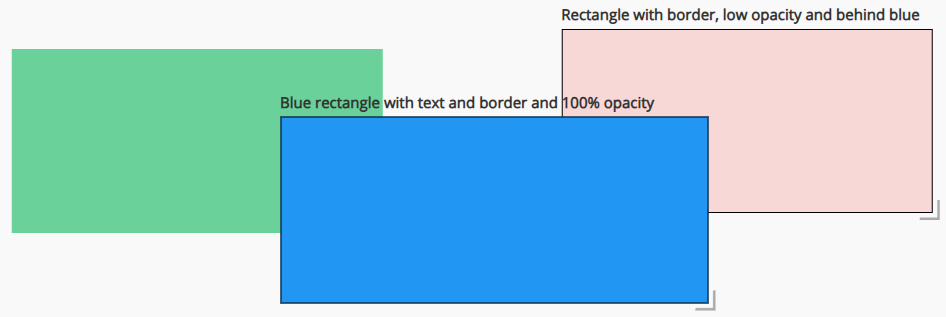
Note that rectangles set to be behind containers cannot overlap above rectangles that have been set to be on top of containers, or vice versa. Each group, rectangles behind containers and rectangles on top of containers, are arranged separately.
Rectangles can be selected to be included in ER Diagram Views. And it is possible to create rectangles that are specific to an ERDV.