Model Hub user management
In the near future, the Hackolade Model Hub will allow to integrate with Single Sign On such as Microsoft Entra ID. In the meantime, or if you don't have such system, it is necessary to manually create users, following the instructions below.
All actions take place in the OCI console.
Manual creation of authorized users
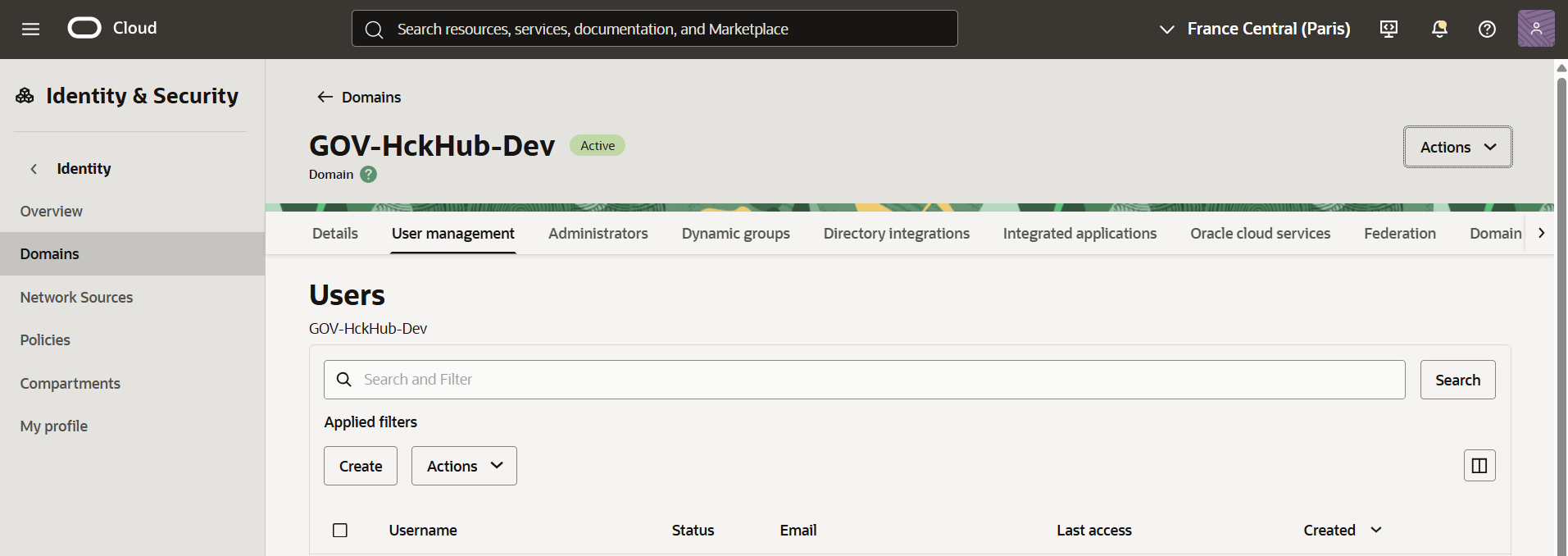
Use the navigation menu to go to Identity & Security > Identity > Domains and first make sure that your applied filters specify the correct compartment created in for the OCI stack of your Model Hub.
Create user
Select the domain and choose the tab User management, and click the Create button
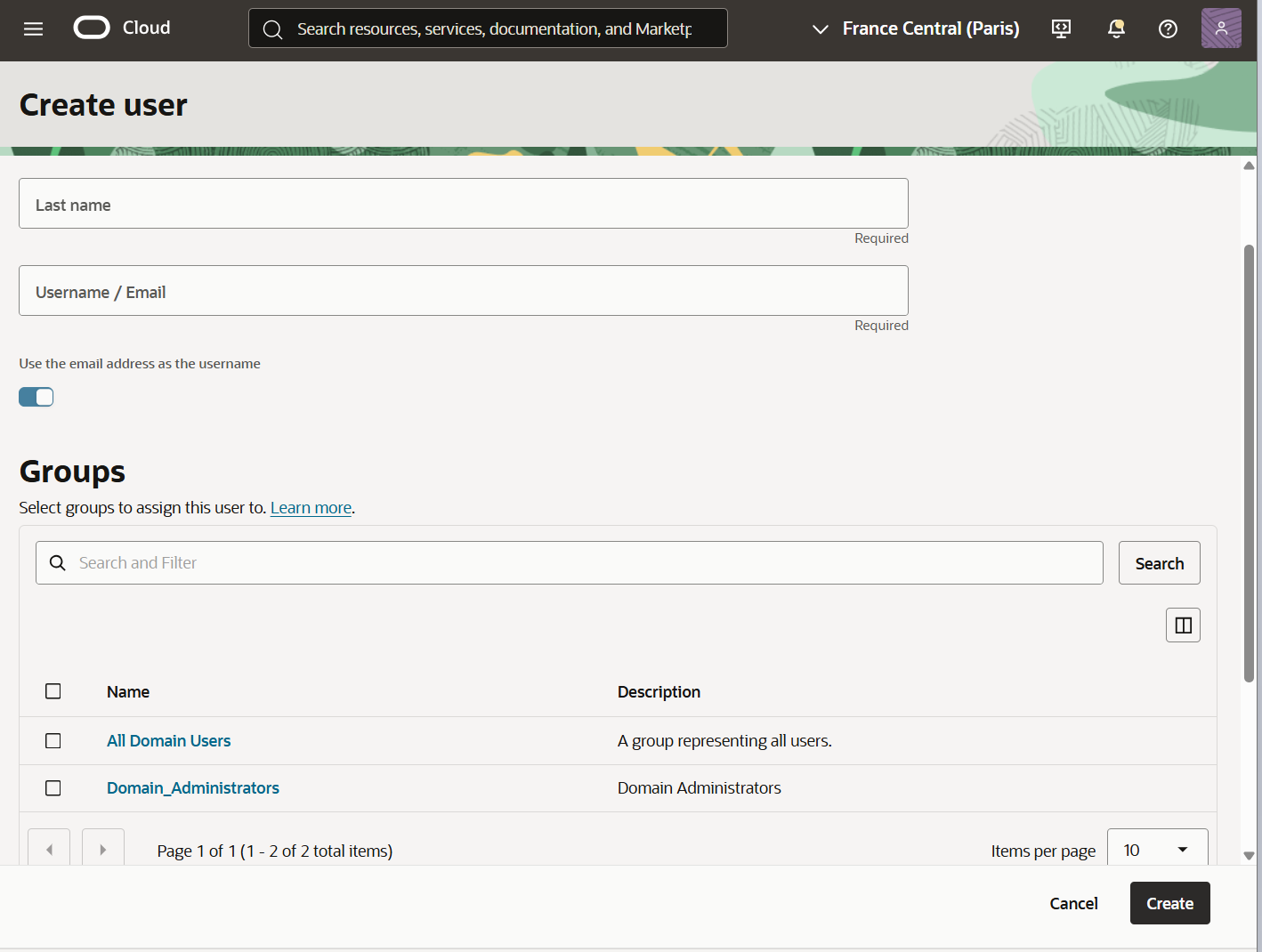
Enter First name, Last name, and username/email. If the user will need to access the Hub Admin page, for example to create links to your Git repository (or repositories.)
Link user to integrated application
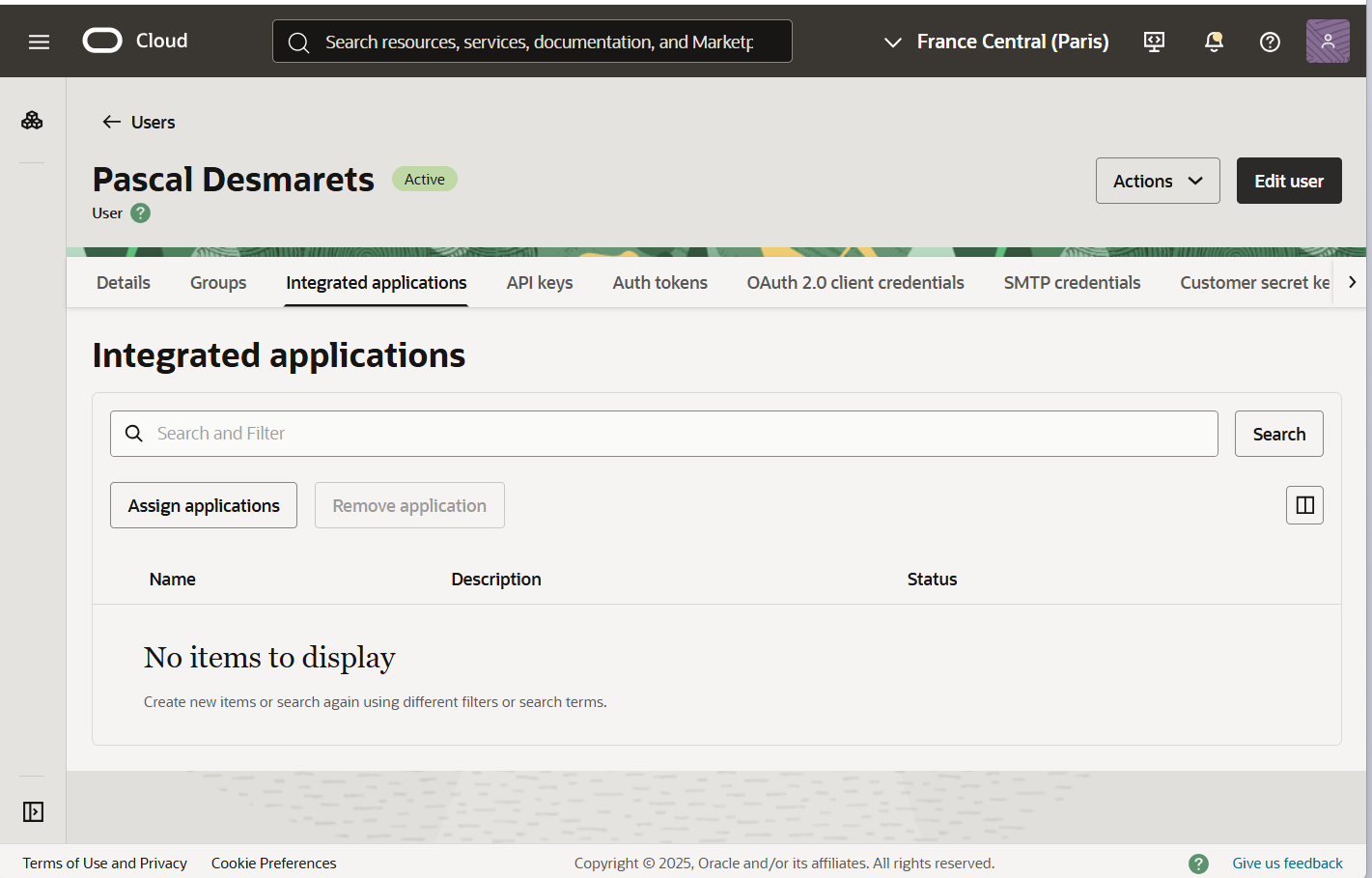
After successful creation, select the user and choose the tab Integrated applications, and click the button Assign applications:
For the application, click the 3-dot ... button and choose Assign:
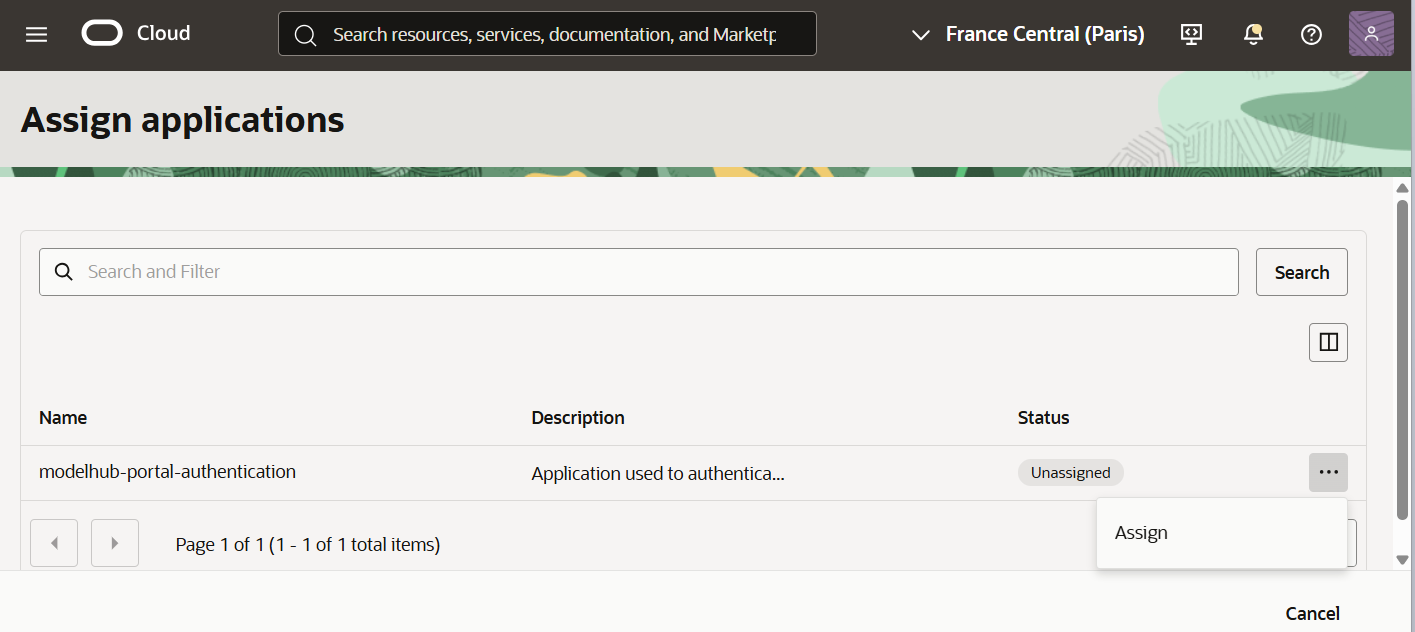
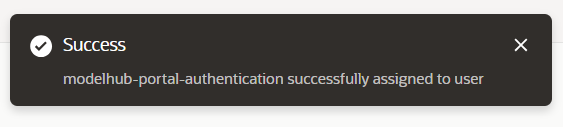
You should receive a Success message:
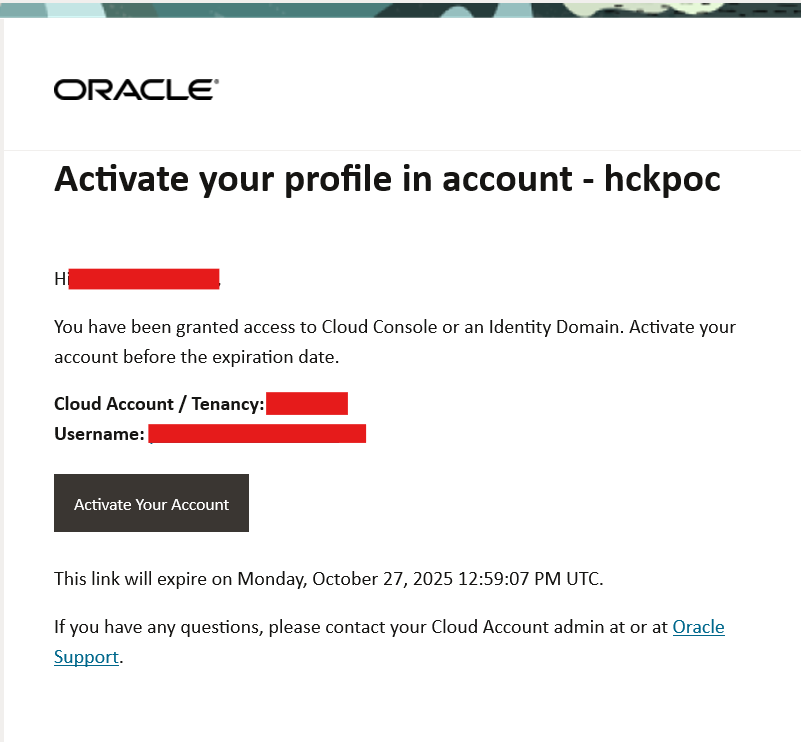
The user will receive an email to activate the account and choose a password:
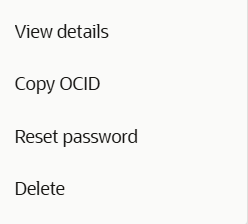
Reset password or delete user
If needed, it is possible reset the password or delete the account: