Parameters to connect front-end and back-end
Once your OCI setup is completed, an action is required by Hackolade to link the front-end application, served from our Azure Front Door CDN (Content Delivery Network), with the database and OCI stack you created in the previous step.
For this step, you must communicate in a ticket to the Hackolade helpdesk support@hackolade.com just 4 pieces of information from 2 OCI screens, described below. Please provide the information both in text format and with the 2 screenshots (making sure that the information is displayed and legible.)
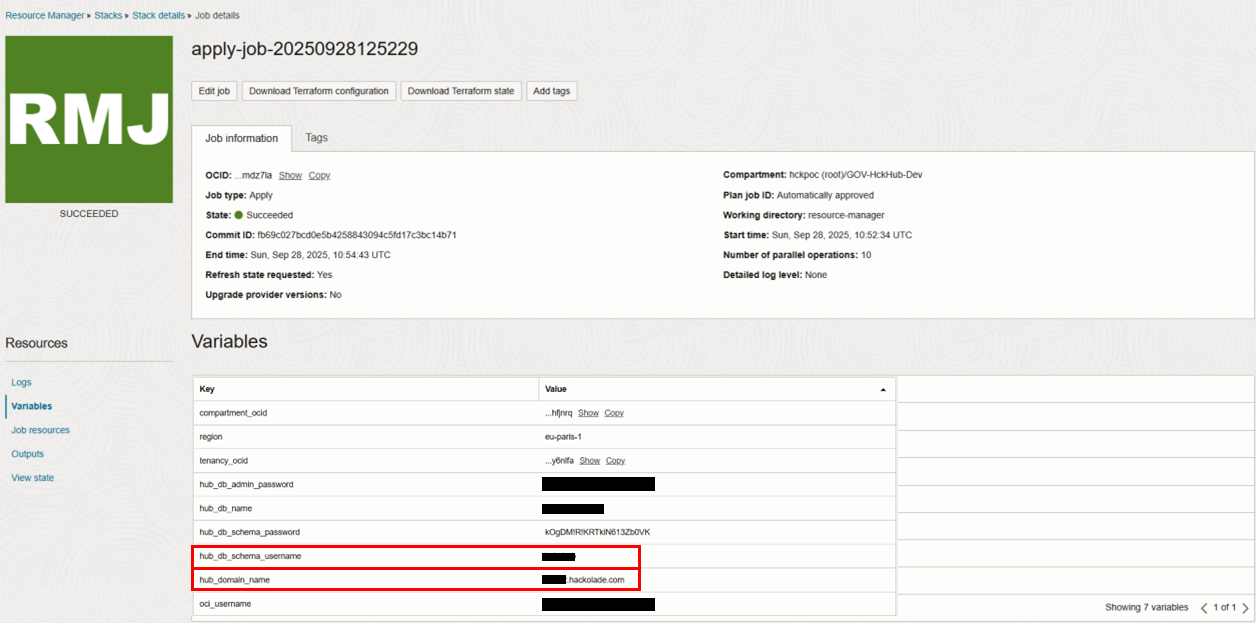
From OCI Resource Manager > Stacks > Stack > Job > Variables
- the hub_db_schema_username
- the hub_domain_name, in a format <yourOrgName>.hackolade.com
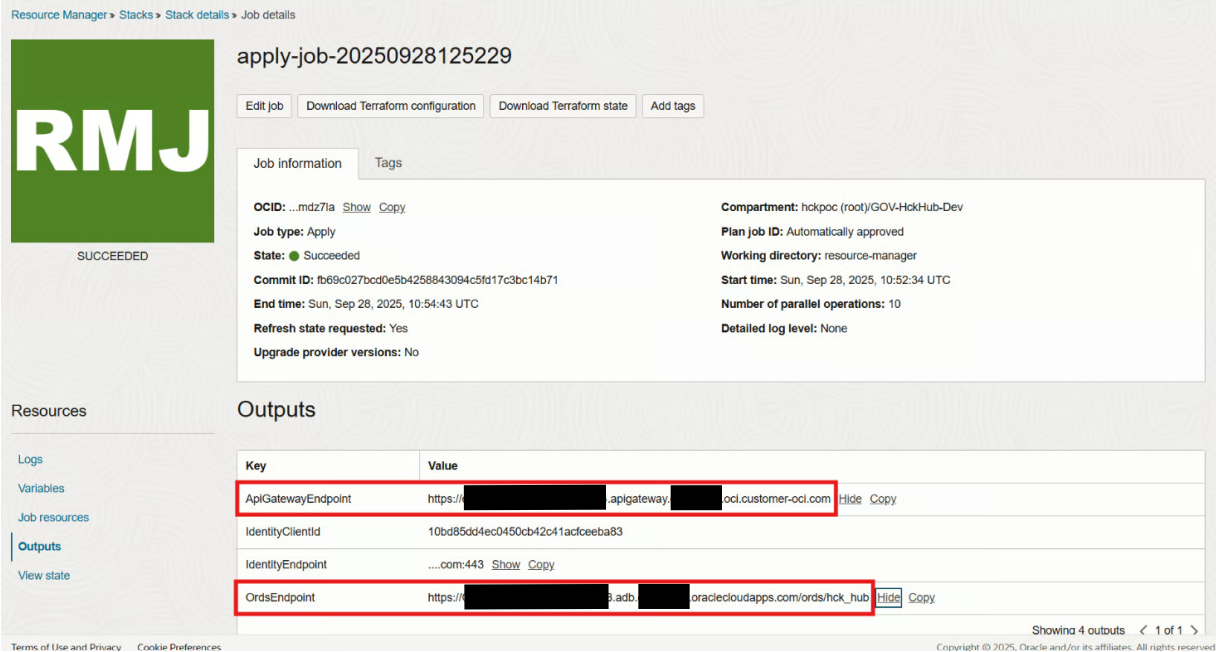
From OCI Resource Manager > Stacks > Stack > Job > Outputs
- the ORDS endpoint
- the ApiGatewayEndpoint
Once Hackolade Helpdesk responds that the setup has been successfully performed, you should be able to go to your personal domain <yourOrgName>.hackolade.com in a browser and access this page prompting for your username and password:
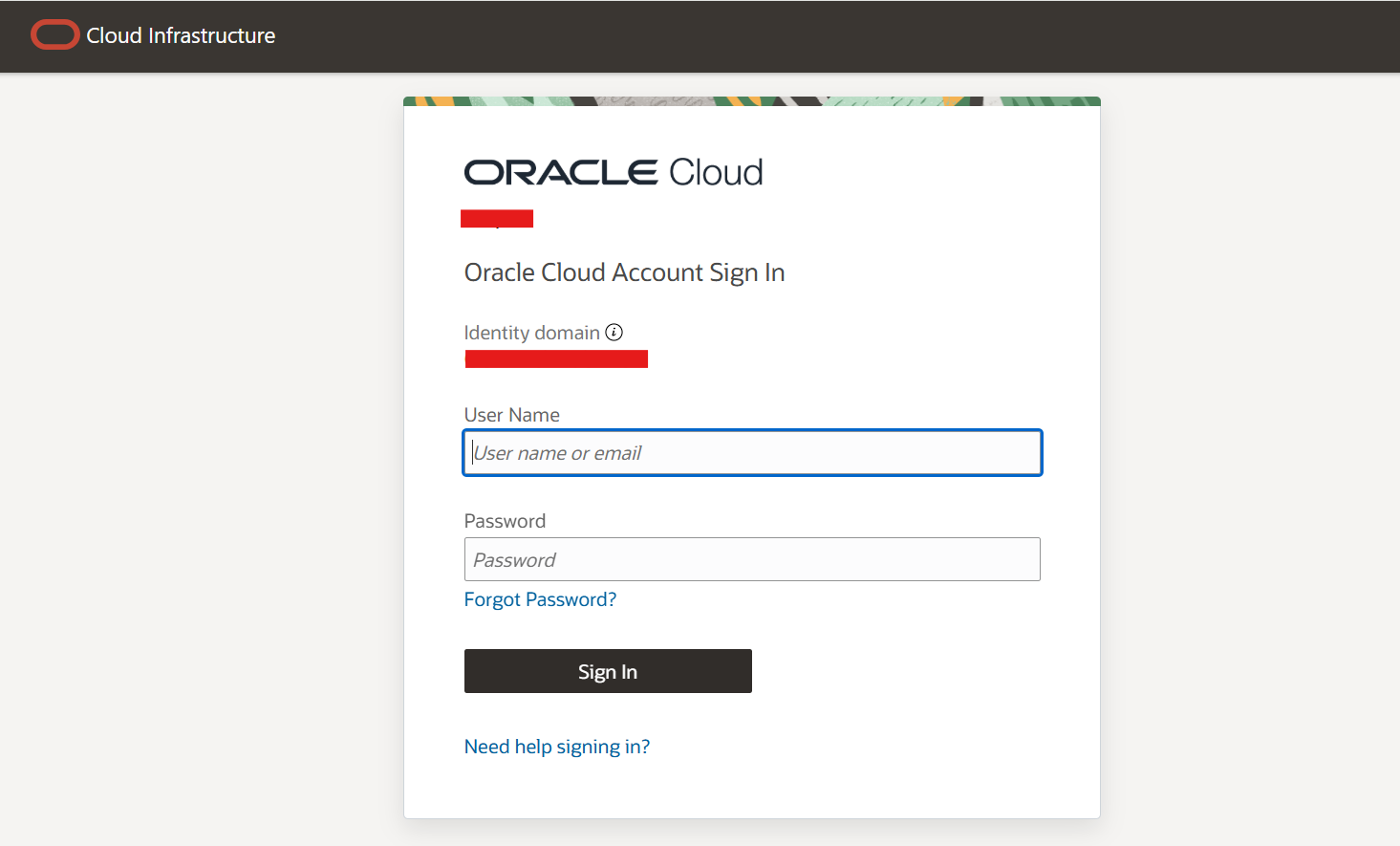
Currently, as no Hub users have been created, no username/password combination will work here. The OCI administrator must first create one or more users, following these instructions.
With the proper credentials, you can access the Hub.
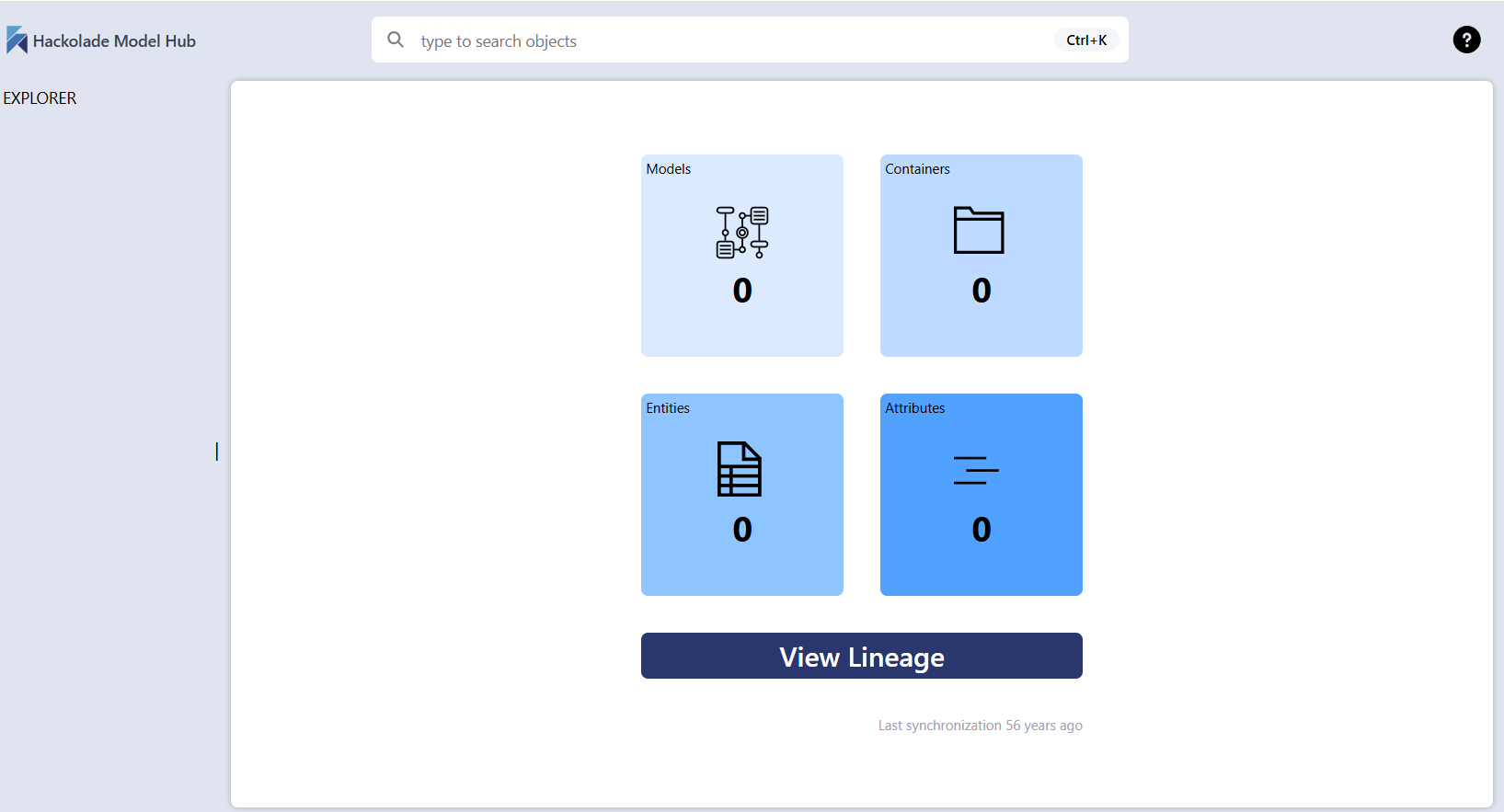
As the database is currently empty, the first screen of the Hub shows this screen with zeros everywhere...