

Git repo configuration
As per the Model Hub architecture, the source for the Hub database is one or more Git repositories.
Each repository provider must be configured to allow service-to-service communication, and send a notifications to the Model Hub instance when certain events occur in the repositories. In our case, these events occur when new models, or new versions of existing models, are pushed to the main branch of each of the linked repositories. Or if models gets moved or delete from the repository.
Important: the Model Hub points to the default branch of each repository. It is currently not possible to point to a different branch than the default branch.
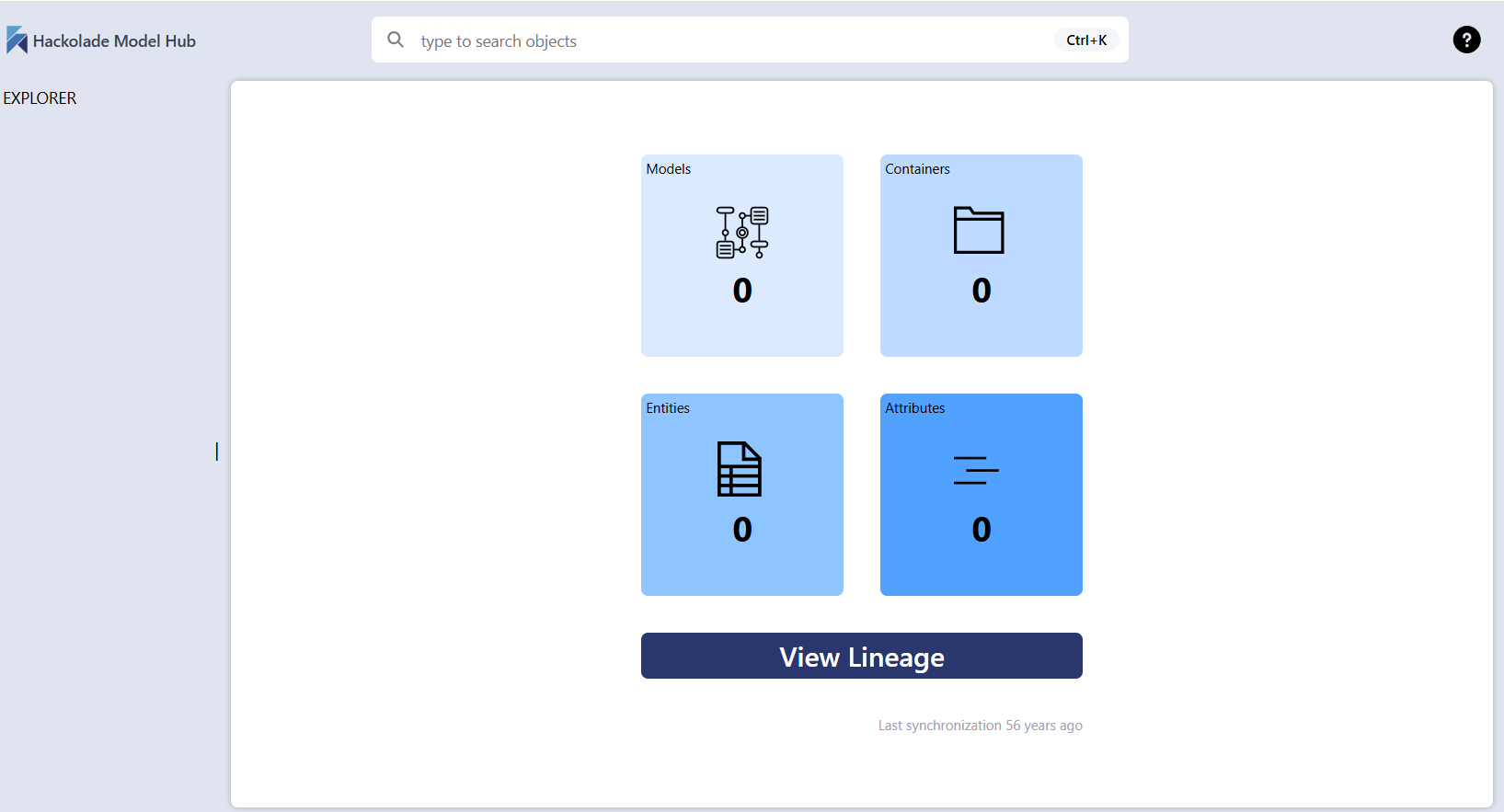
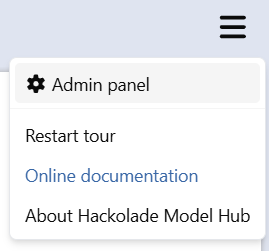
You can connect your Model Hub to one or more repositories in the Model Hub admin panel from the menu in the top right corner
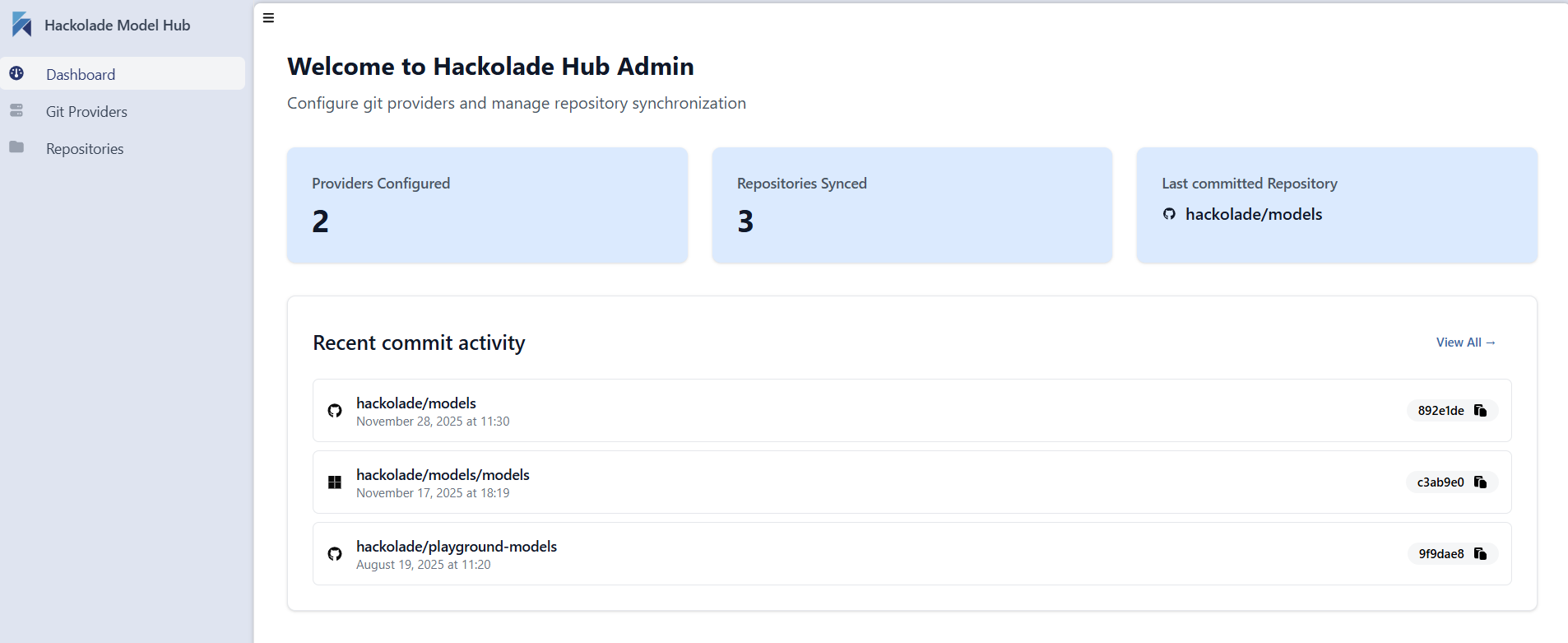
The Model Hub admin panel a dashboard, for example:
You must first set up your repository provider by clicking the + button in the Git Providers tab:
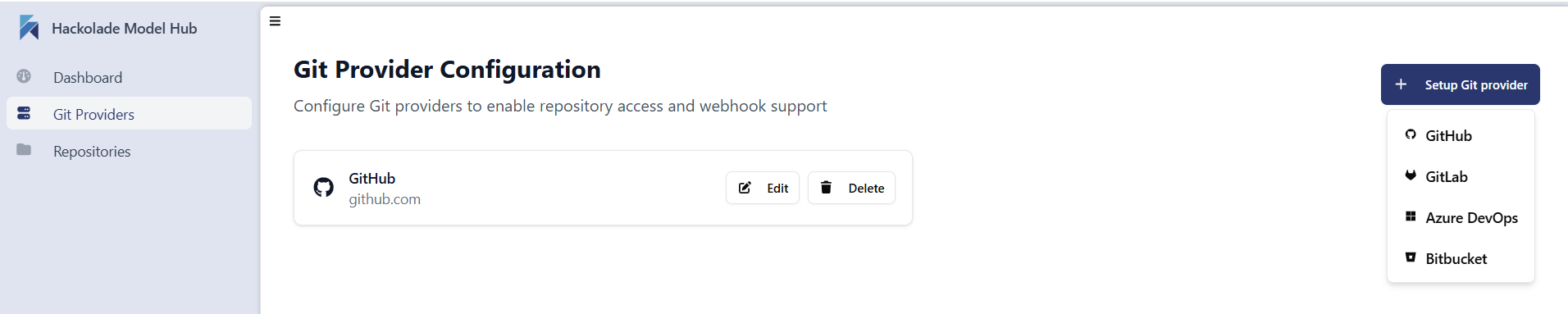
Then follow the steps in the corresponding sub page.